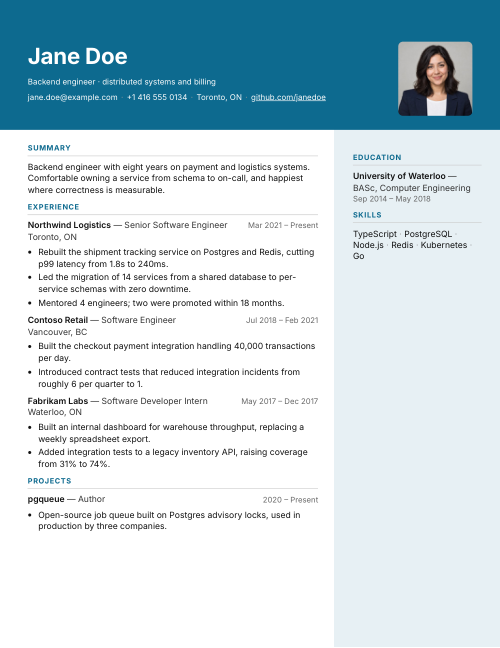
Resume builder with AI that shows its work

One resume.
Tailored to every
job you want.

Build the perfect resume for every posting. Every edit shows what it is based on, and you approve each one.

No account needed to start. You make one to save, export, tailor to a job or write a cover letter.

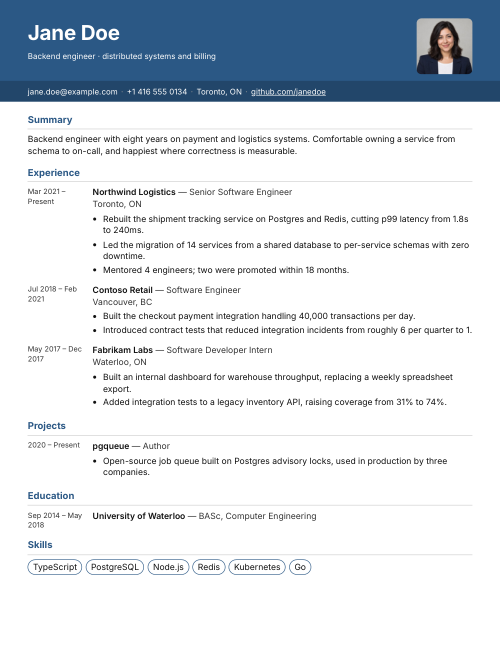
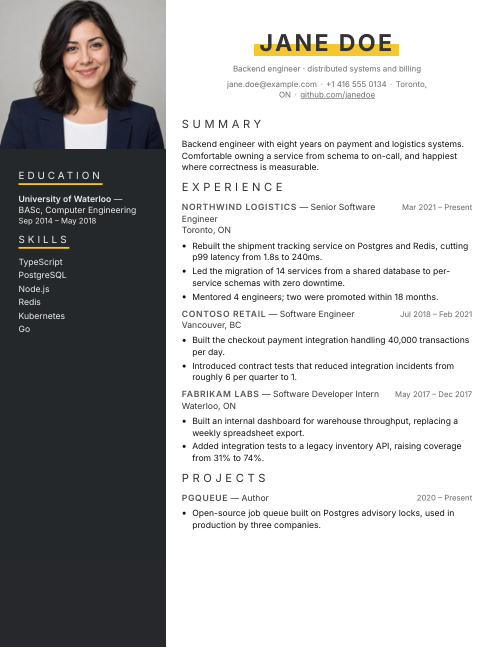
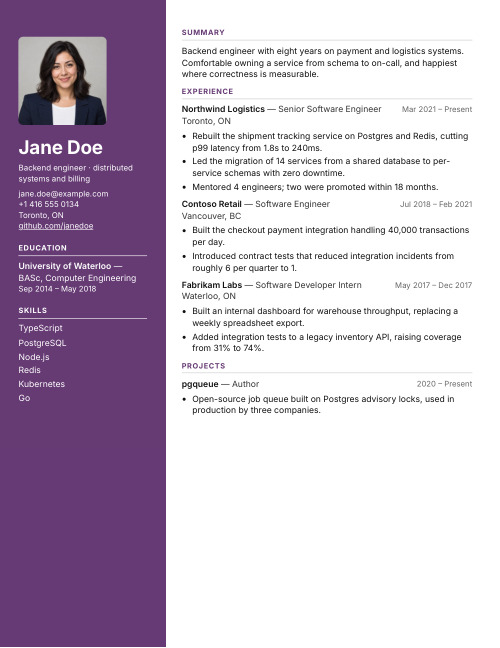
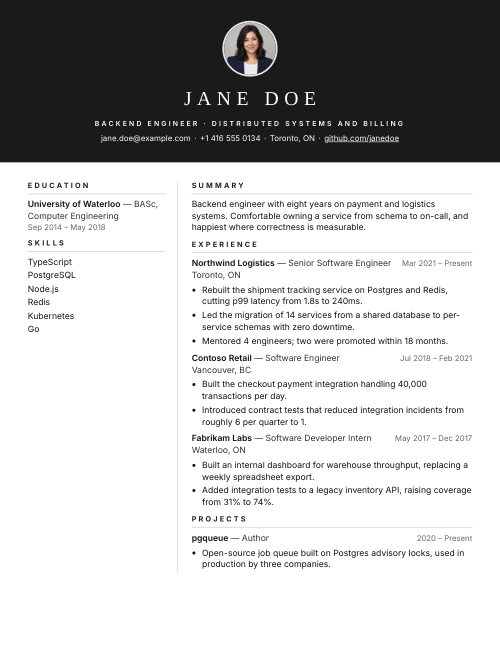
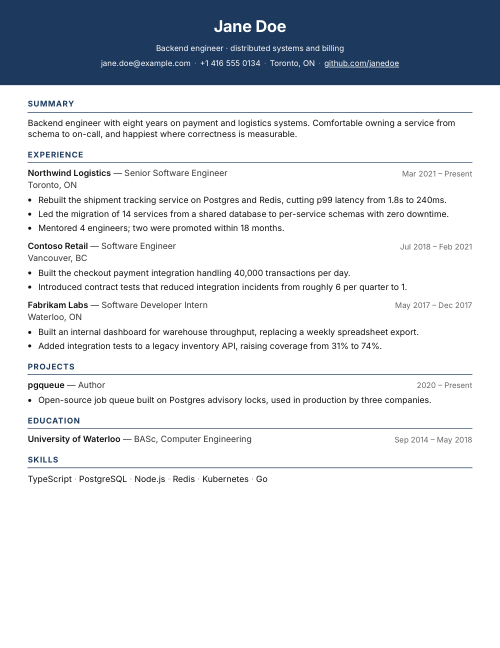
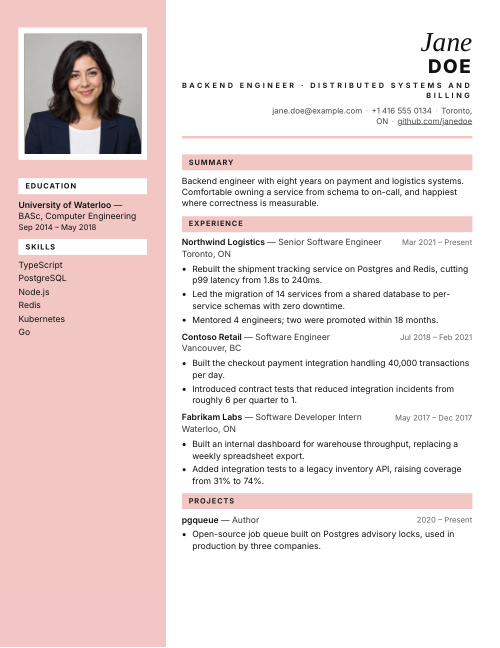
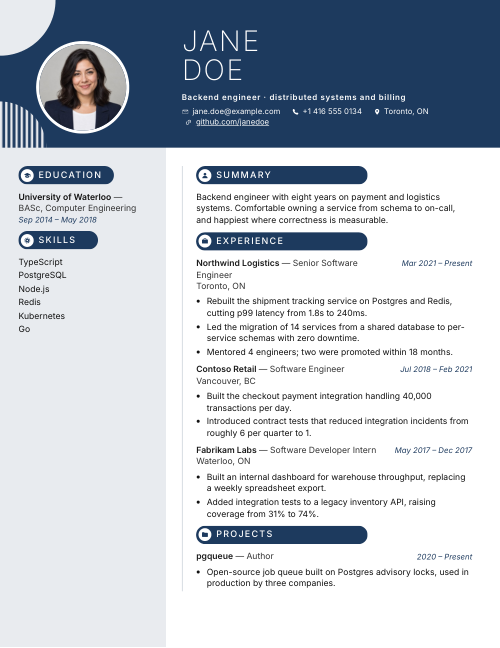
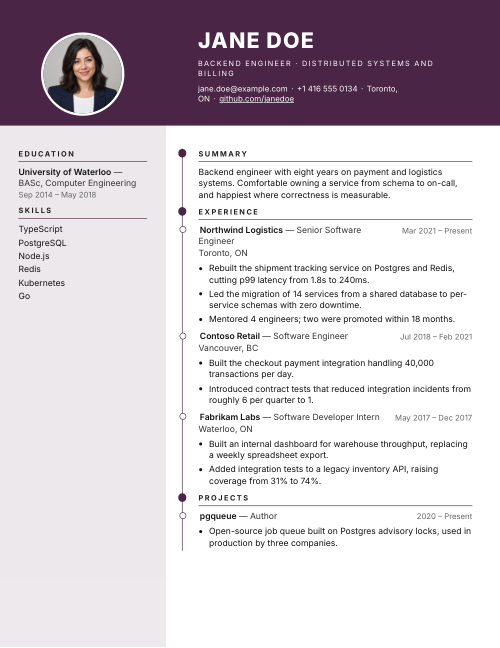
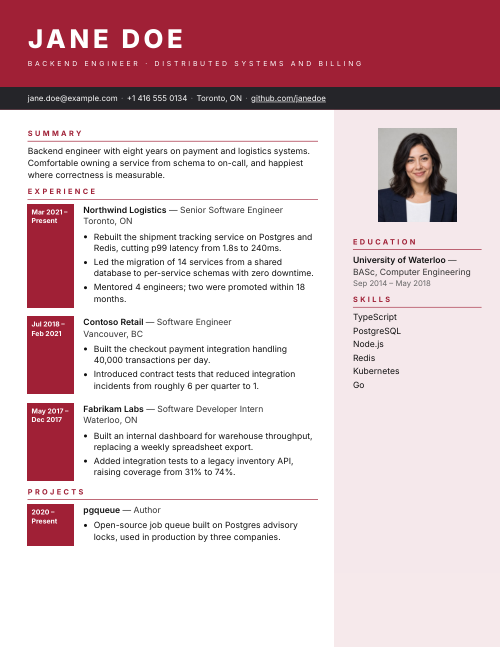
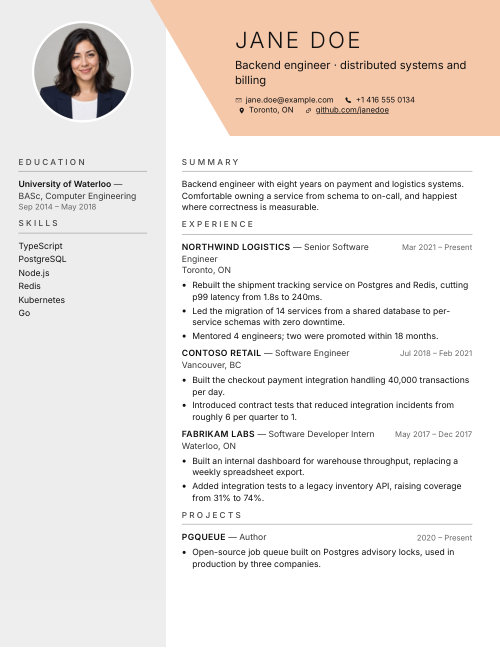
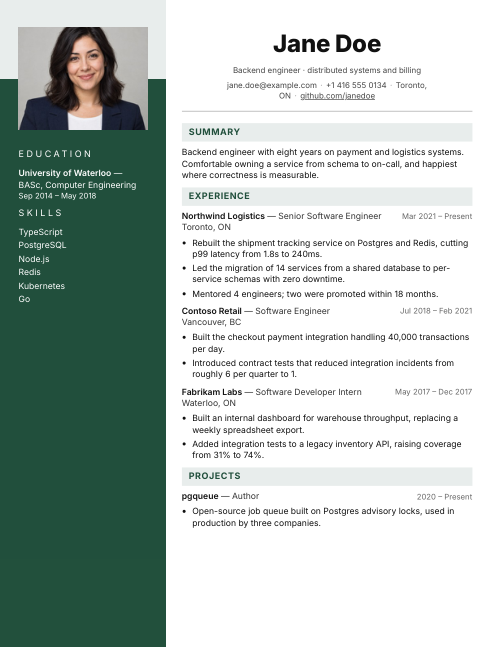
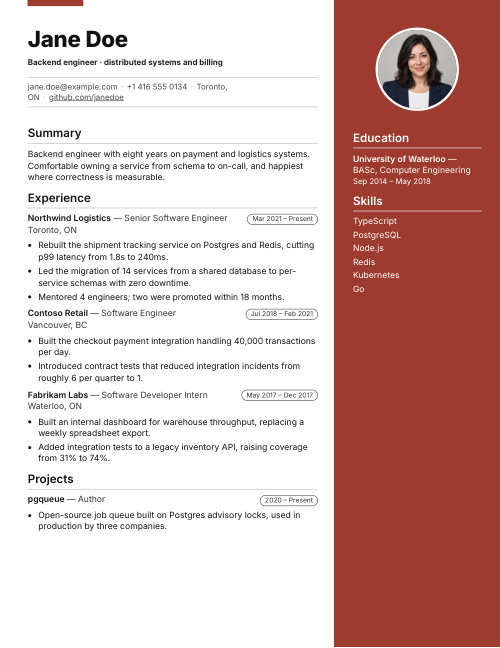
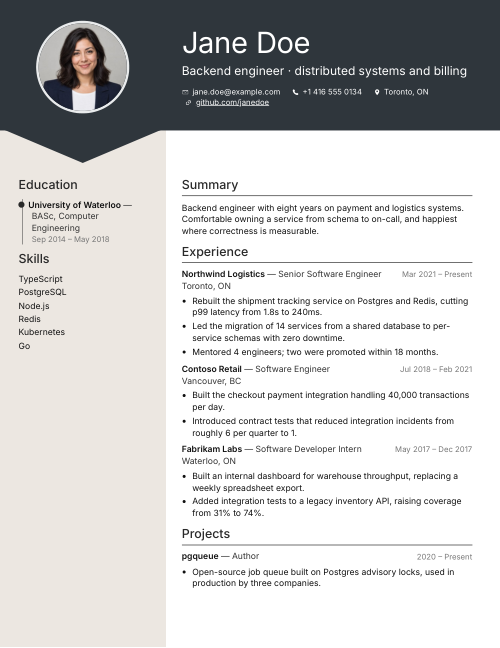
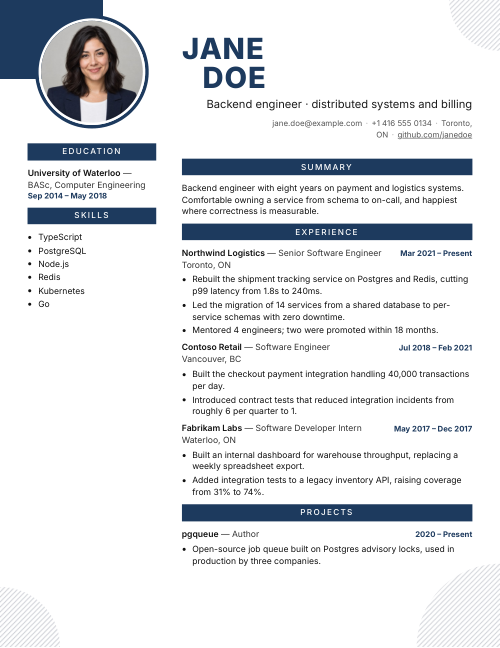
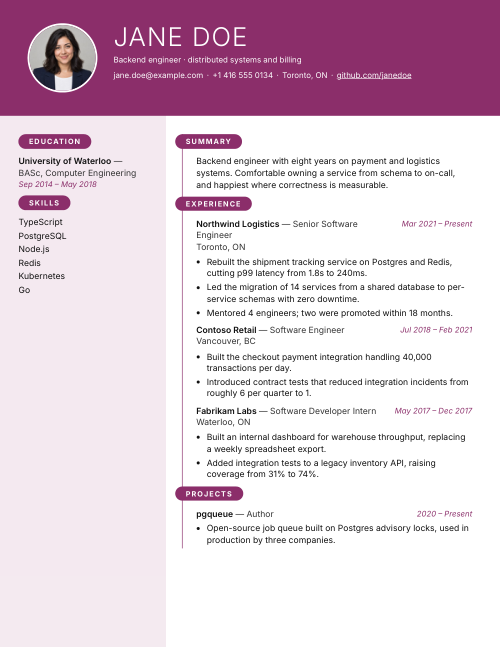
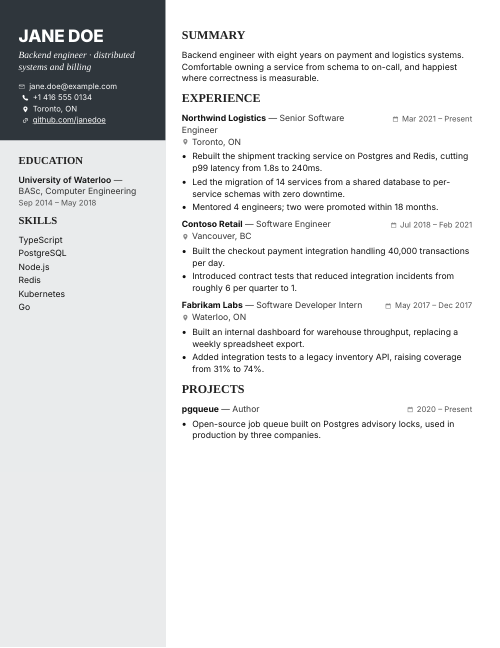
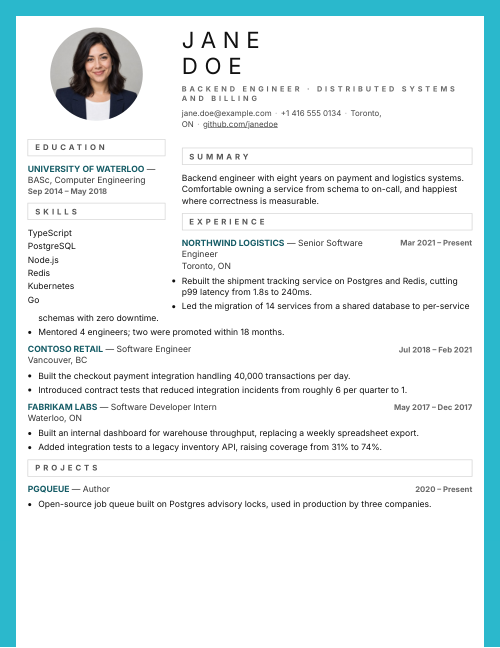
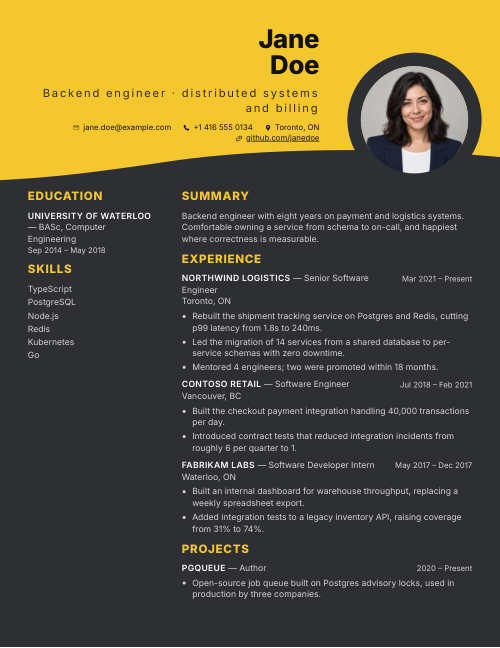
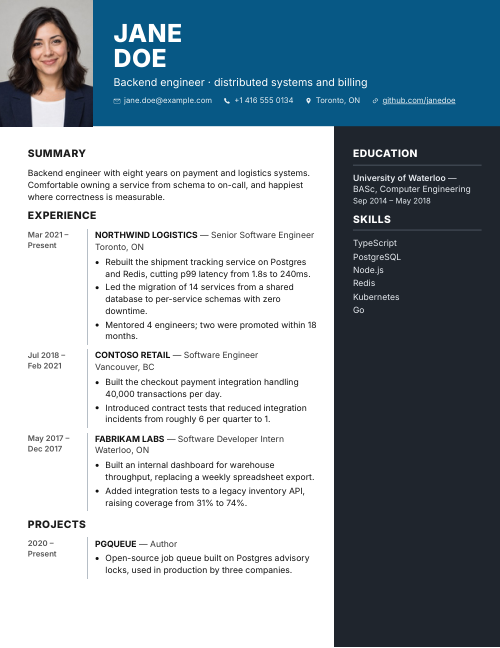
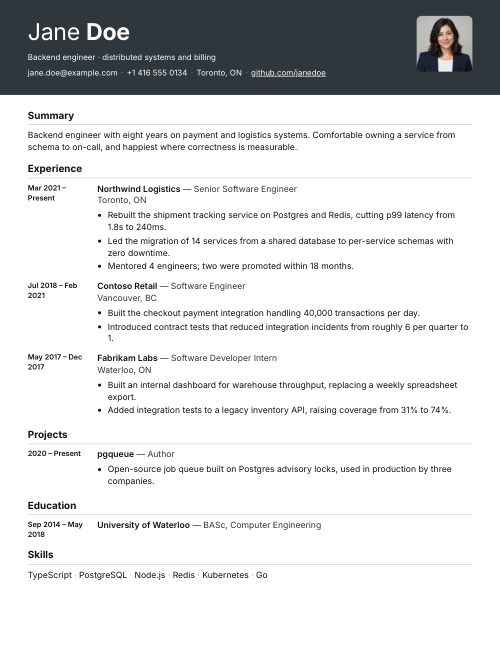
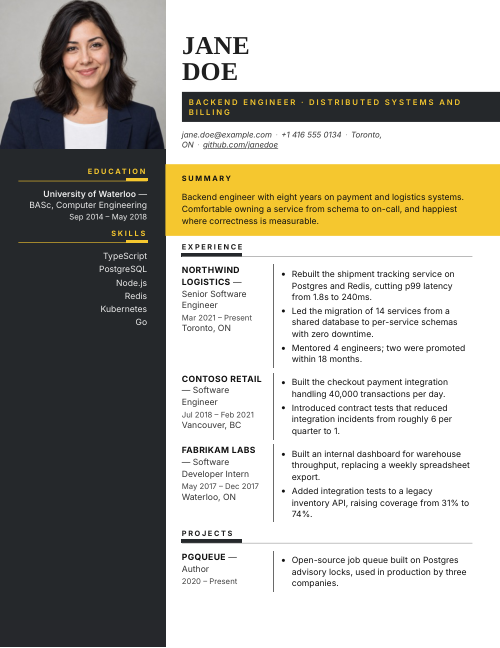
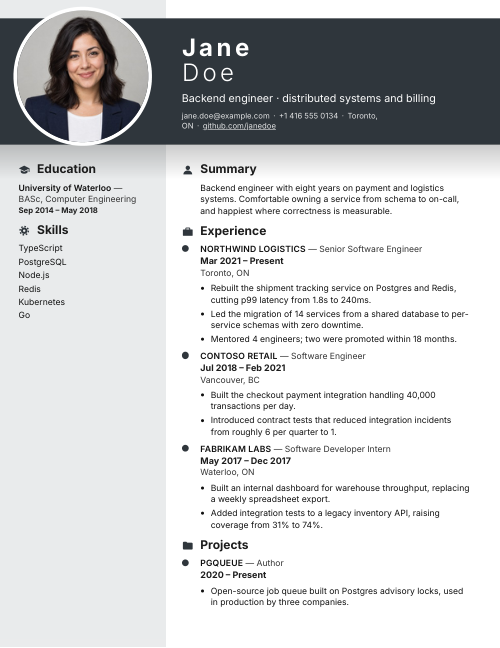
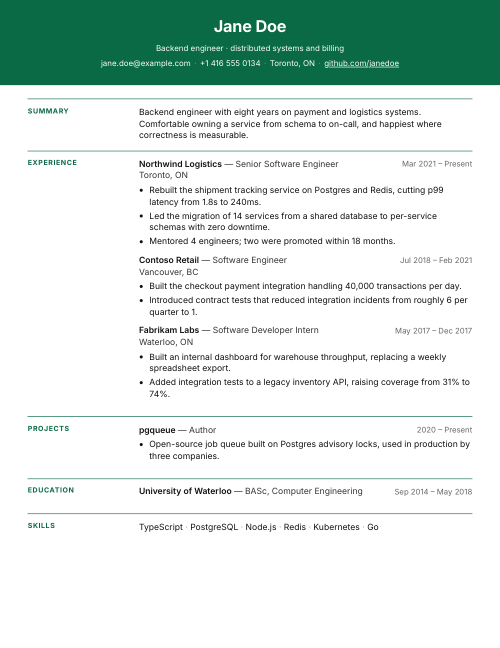
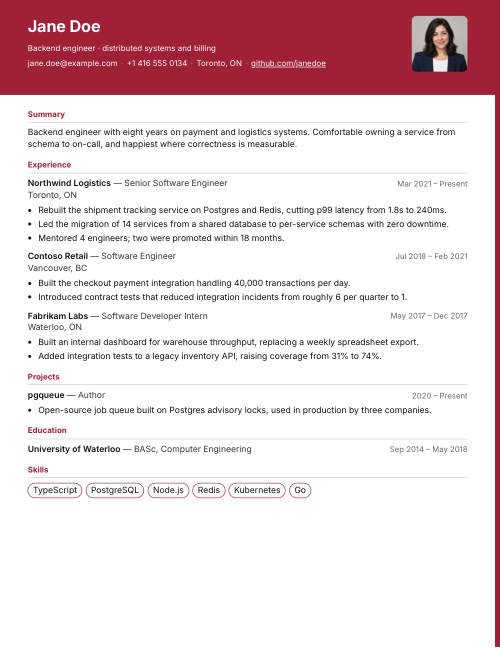
42 templates

One story, many looks.

Browse templates →

What you can do here

Everything between a blank page and “Application sent.”

Write the resume, fit it to the job, write the letter, send it. All in one place, with you deciding every change.

Resume builder

Pick a look, then tell your story in plain words.

Choose a template and a colour first. Then fill in one step at a time while the page updates beside you.

  • Suggestions for job titles and skills as you type, and example lines to start from
  • Reorder sections by dragging, in one- and two-column templates
  • A step rail shows where you are, and your resume updates beside you
Open the builder →
Tailor to a job

See every change before it touches your resume.

Paste a job posting. We read it against your resume and propose edits, each one tied to facts you already wrote. Nothing is applied until you say so.

  • Old line struck through, new line beside it, so you can compare
  • Each rewrite shows the experience it is based on
  • Suggestions your resume cannot support are dropped, not invented
  • Accept or skip each change, line by line
See how tailoring works →
Cover letters

A letter that matches the resume you just tailored.

Written from the same posting and the same facts. Choose the tone and length, say what to lead with, and write it again until it sounds like you.

  • Tone and length set with one tap each
  • Pick up to three requirements from the posting to lead with
  • Headed and styled to match your resume, ready to export
See cover letters →

And the rest of the toolkit

Small things that save you an evening.

  • Upload

    Start from the resume you have

    Drop in a PDF or DOCX file. Check what we found and keep only the details you want.

  • Export

    Send it in the format each employer asks for

    PDF, Word, plain text or Markdown. Sign in when you are ready to save or export.

  • Layout

    Move sections around

    Put education first for a first job, or skills first when you are changing careers.

  • Builder

    One step at a time

    Six short steps, with your resume updating beside you.

  • Examples

    Lines to start from

    Browse example lines for your job and add the ones that are true for you.

  • Your applications

    One place for every job you are going for

    Keep each posting next to the resume and cover letter written for it, so you always know which version went where.

How it goes

Ready to send in three steps.

  1. Pick your look

    Choose a template and colour, or upload the resume you already have.

  2. Tell your story

    Add your experience in your own words. Then add a job posting to see the edits it suggests.

  3. Make your move

    Review, save, add a matching cover letter and export.

Questions

A few quick answers.

Do I need an account to start?

No. Start writing, change templates, and preview your resume. You'll create an account when you decide to save online, export, tailor your resume to a job or write a cover letter.

Can I use my existing resume?

Yes. Upload a PDF or DOCX, check what we found, and keep only the details you want to use.

Can I trust what it writes?

When your resume is tailored, each suggested change shows the experience it is based on, a suggestion your resume cannot support is left out, and nothing is applied until you accept it. AI-written text can still be wrong or badly phrased, so read everything before you send it.

Your next application starts with one click.

Build it, fit it to the job and send it today.